How to change all ingame font to Korean - FOR SURE!

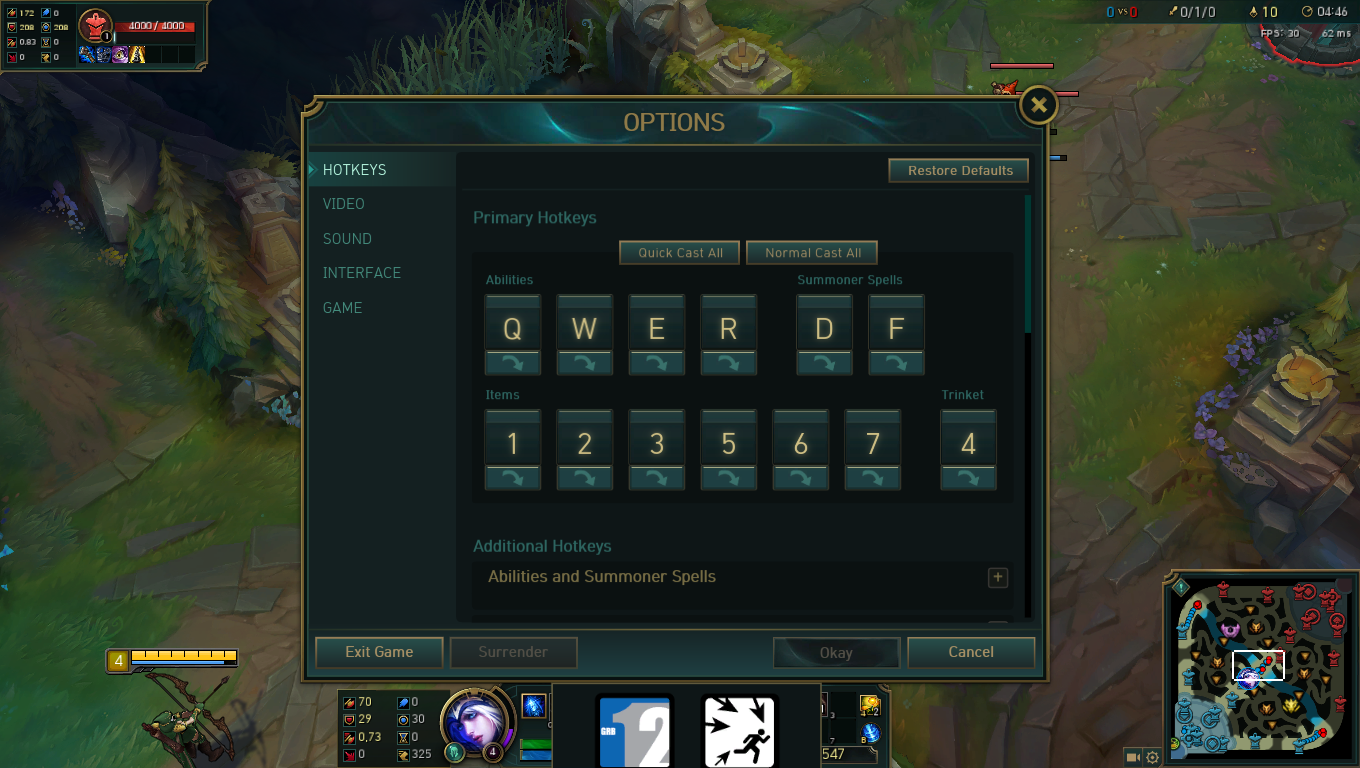
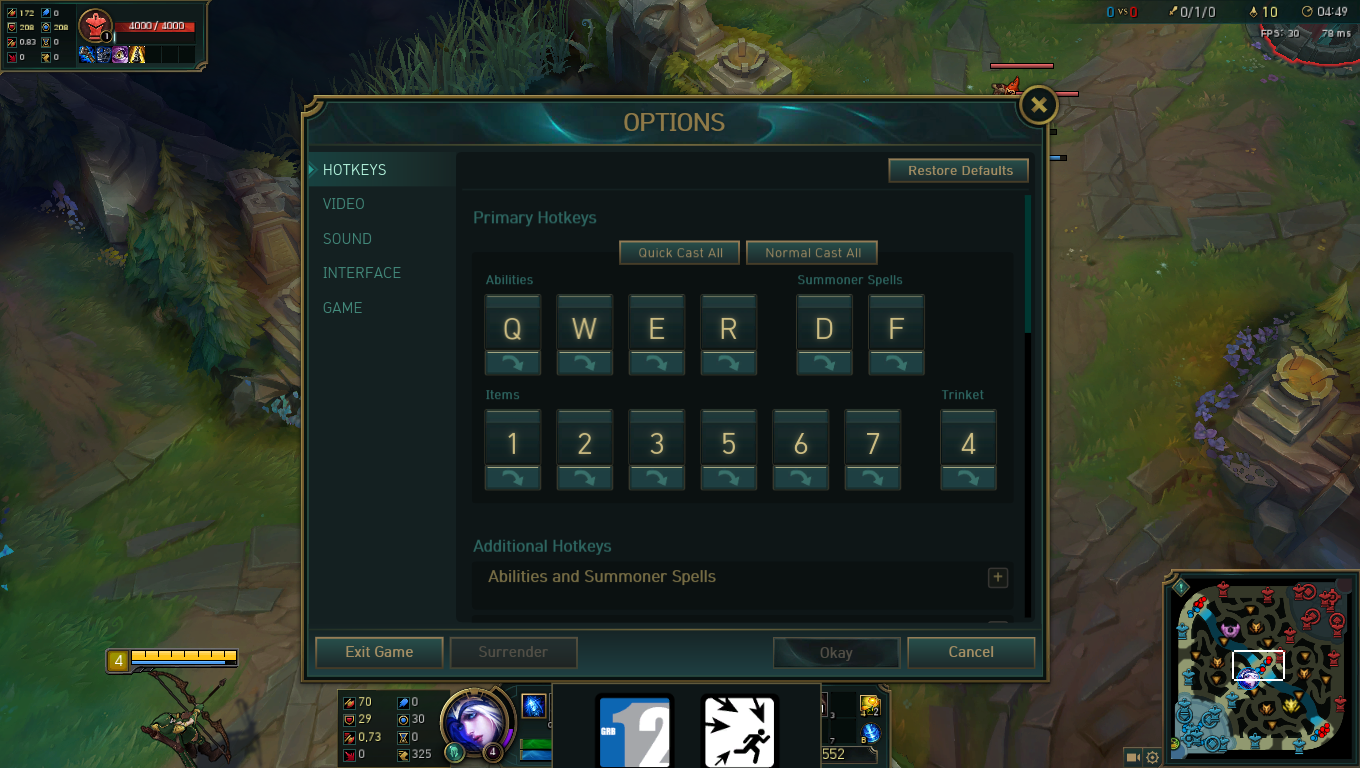
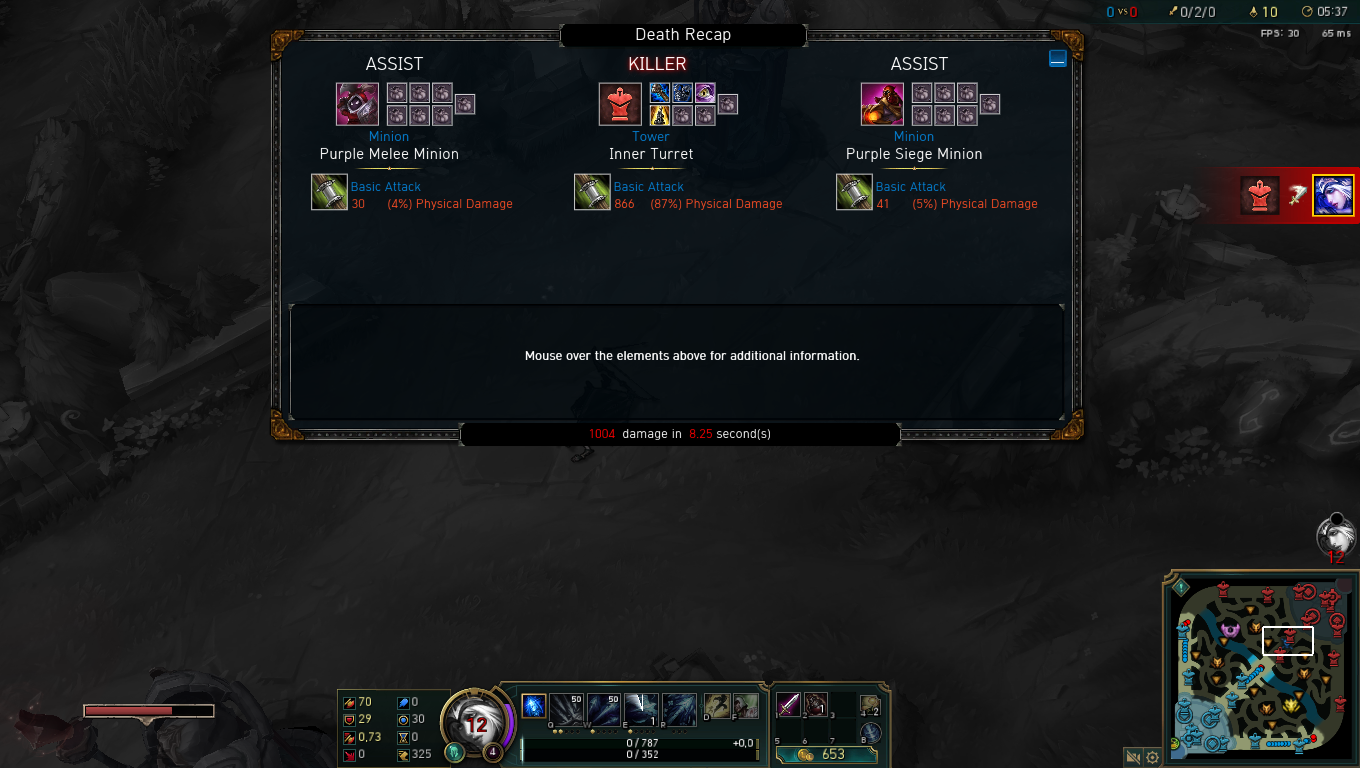
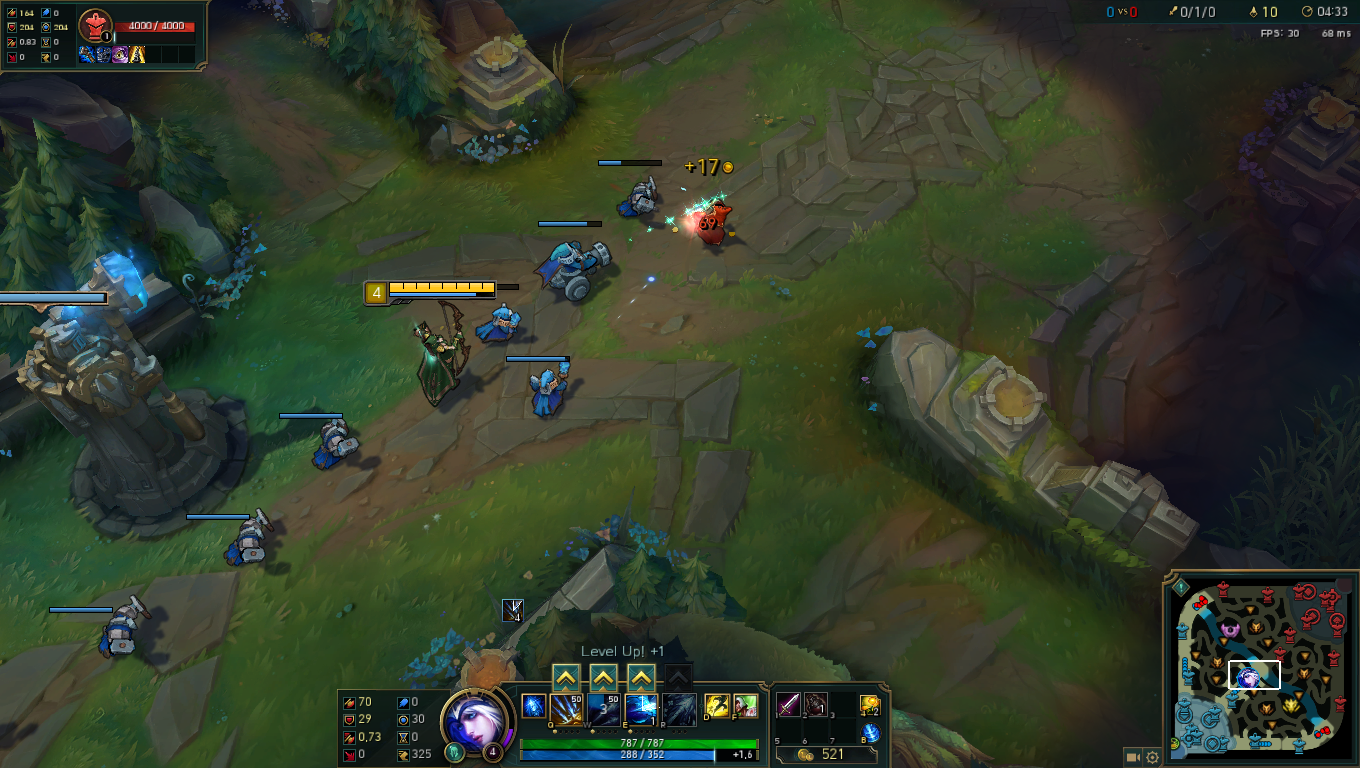
Hi guys. at first sorr for my bad english :p I dont know if its illegal but i dont think so that adding give us a advantage. Just visual things. I want to do this for 3 or 4 years. Lets begin. proofs first 1st screenshot
**Important: With this addings u cant use the Shop. But when you need shopping. Just need open wooxy and uninstall and when your shopping done, install them again.
Now lets begin.
We need one program named Wooxy its using for import custom skins ,maps etc. but i think riot does all the best. Download site
1- Go to your locale.cfg / C:\Riot Games\League of Legends\RADS\system open that with notepad and change your location to " ko_kr " Open client and wait for download.
2-When download finish close the client and open Wooxy as Administrator Go to Creation Studio -> File Extractor -> mark lol_game_client_ko_kr and whats your old locale is Click Export. Create a new folder at your desktop and choose that folder for extraction.
3- When extraction finished. Go to your lol_game_client_en_gb folder and find "e0n_Us" folder ( lol_game_client_en_gb\DATA\Sounds\Wwise\VO) change that folder name to "ko_kr" / copy the DATA folder. go to "lol_game_client_ko_kr" folder and delete DATA folder. and paste your copied DATA folder(old en_gb i mean :p) and go to "lol_game_client_ko_kr" folders properties and uncheck salt readable thing once. and check it again.
Go back to wooxy and go to skins collection part. at the right bottom click the "+ import skin" / import folder and select your edited "lol_game_client_ko_kr" folder Name it "Korean Voice Changer" and install. Thats what we done is changed our korean voice folder to english voice. Good work! :)
Now gonna do change translation folder.This will help the translate item names, announcements etc.
1- Go to wooxy / Creation Studio / extractor / lol_game_client / DATA / Menu and check fontconfig_en_gb and ko_kr.
Extract them to your created folder.
Open en_gb.txt delete first 6 line / open new txt file / select all the remainings at en_gb and paste it to new txt file
Go to ko_kr.txt cut first 6 line and delete the remainings. paste again the first 6 line. go to your new txt file, copy all and paste all below the 6 line. save the ko_kr.txt go properies and uncheck-check the folder.
Go back to wooxy/skins collection/import file and select the txt folder.
install this too.
VOILA! you guys opened the FAKER MODE xD
When you need Shopping go Wooxy uninstall these 2 file and do your shopping. when your shopping is done, install them again For the reinstallation part, DO NOT DELETE YOUR EXTRACTED FILES. SAVE THEM ON YOUR COMPUTER. sorry for caps. but thats important.
GL HF.