Click Launch, nothing happens.
Click launch nothing happens, client automatically closes itself, without patching necessary new updated client. Not sure if this is deliberate but just wanting to know some information.
Click launch nothing happens, client automatically closes itself, without patching necessary new updated client. Not sure if this is deliberate but just wanting to know some information.
 Kürama1 votes
Your OS is likely blocking League from launching. Grant League permission to run on your computer!
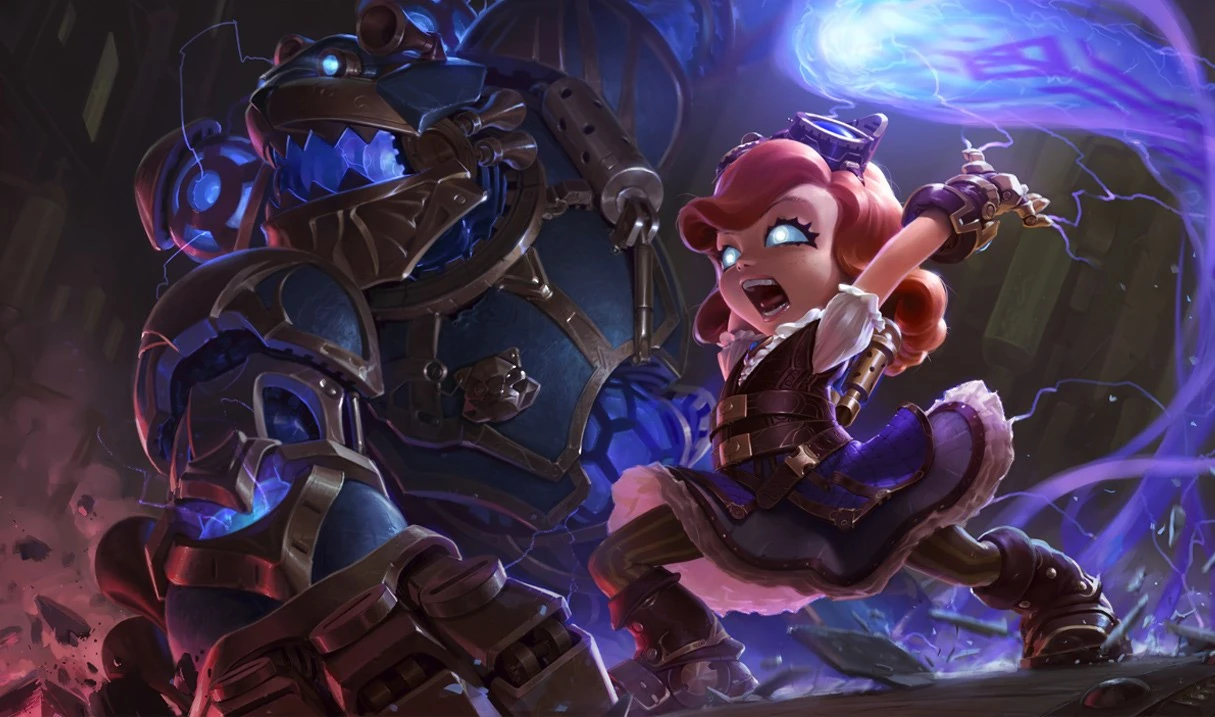
http://ddragon.leagueoflegends.com/cdn/img/champion/splash/Annie_3.jpg
 East Carolina1 votes
Tried all that stuff, could you at least explain things instead of giving me a bland, stale reply like you're some sort of bot?
Kürama1 votesIt's possible that you need to complete a clean reinstallation of League in order to resolve the issue. Grab Riot's Hextech Repair Tool and check both the box for 'Reinstall' and 'Clean Uninstall', then hit the Start button. This will wipe all files associated with League to ensure corruption doesn't carry over, then reinstalls the game.
Let us know if your issue is resolved or not.
East Carolina1 votesStill the same issue, Click League of Legends desktop icon, It appears, Click Launch, Client disappears without patching, updating etc. Even after a reinstall. I have tried everything you've had to offer me, and the support sites as well. nothing appears to be working.
Kürama3 votesGo to your League of Legends folder (typically C: > Riot Games > League of Legends) look for an application called "Leagueclient.exe" (it should display the new client logo as its icon). Delete it.
Click "lol.launcher.admin" afterwards.
Let us know if it works.
East Carolina6 votes3
IceNinjaYT (NA) - about an hour ago TO EVERYONE WHOSE LAUNCHER CRASHES WHEN YOU ATTEMPT TO LAUNCH THE GAME ON THE NEW CLIENT... I was suffering from the same issue 5 minutes before making this post its very simple on how to fix and this is how firstly you will want to right click on the league of legends shortcut icon and click on open file location. secondly when you are there you want to find something called leagueclient.exe it will be above the lol.launcher.admin.exe and the lol.launcher.exe files YOU WANT TO REMOVE THE leagueclient.exe from this folder then you want to double click the lol.launcher.admin.exe and then league will update you to the new client i hope i have helped a few of you guys out as for a while there i thought i would never get to play league again
Kürama1 votesI did take his suggestion. Glad you got it to work!
 nanospaggle2 votes
You guys are lifesavers.
 Sarara1821 votes
This worked perfectly!! Thx so much
 Clatn1 votes
AYYYYY ive been having this problem for 3 days and switched to 2 different older computers which worked but not well. This solution worked perfectly. It was called "league client" on mine without the ".exe" Thank you!
 GaMeFrEaK 6711 votes
Thank you so much Work for me 5/20/17 
 Master Weed1 votes
After trying to use the repair tool, clean reinstall, etc.. nothing worked.
This solved my issue, thanks a lot.
 legendofsins1 votes
thank you for the help! Good Job!
 Parb1 votes
If I was Sona I would tittie wank you, you're the best
 ShamonOwHeeHee1 votes
Man fuck this shit its never working even i did what you confidently said, man fuck this! I'm done with this game. Riot game is fuckedup
 Slehfo1 votes
THANKYOU SO MUCH I was so scared that I couldn't play league at all anymore, but it works perfectly for me. Thankyou so much
 DarkDexter931 votes
Good evening everyone, I've been meeting the same issues than you today while the game had been working perfectly so far, even with the new client. Now, I've done all you've written above it won't launch... Don't know what to do guys ! HEELP :)
 basketcase031 votes
Wow thank you so much for tip I can play lol now
 Konake1 votes
I tried every thing. still it only opens to launch. once i click launch it closes and nothing happens. I dont understand why i am having this problem. League worked yesterday but now an update was available. it crashed my cp and was corrupted so i uninstalled then reinstalled. Riot needs to fix their launcher.
 Legend Stan1 votes
i tried to follow ur instructions but i didnt find the "lol.launcher.admin.exe and the lol.launcher.exe files" what shall i do ?
 tooth change1 votes
Yeah, I couldn't find it either. Did you manage?
SquealLikePig1 votesthis worked, thanks a bunch!