[CRASH] [CLIENT] Replicable loading screen crash caused by holding caps-lock.

When playing normals it is easy to replicate a crash where the following error occurs: "unable to connect to the server. Please check your network connection and attempt to reconnect to your game".
As champion select finishes and the league of legends icon appears, if you are holding down caps lock it will cause the loading screen to crash, and on retry it will not reconnect. Over the past two days it has happened 3 times in normal games.
This issue appeared because I use caps-lock as my push-to-talk button.
I have not tried this with other keys being pressed down, however I assume it would work for those.
The crash was replicated in a custom game instead of a normal game. Here, the crash is inconsistent. I didn't replicate it in a normal game because I didn't want to ruin anyone's game.
Steps:
-
Hold caps-lock as champion select finishes
-
Keep holding until this icon appears (happens primarily at this stage). Also happens at this stage.

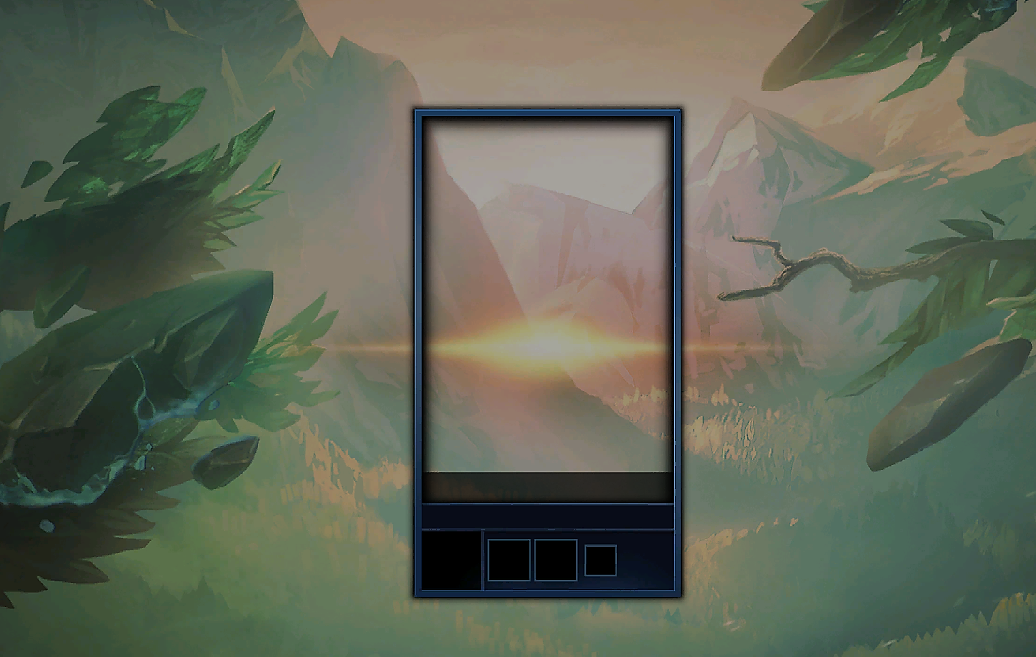
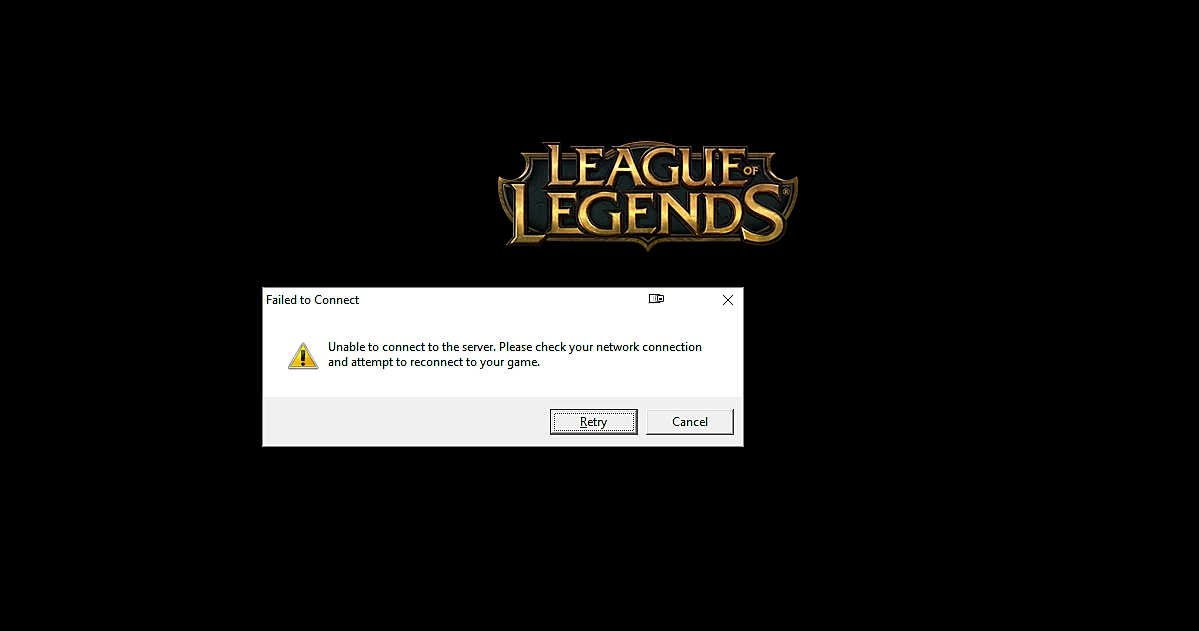
Here, the client's reconnect feature does not help reconnect. A re-log does not fix this.
Solution:
-
In task manager's 'details' tab, locate four league of legends processes
-
Force quit each process EXCEPT the main league client (using the 'end task' feature in the bottom right of the program).
-
Force quit the LoL client.
-
Re-log
Should be fixed.
Hope this helped :)