[CLIENT]

URF Riven··1 votes·797 views

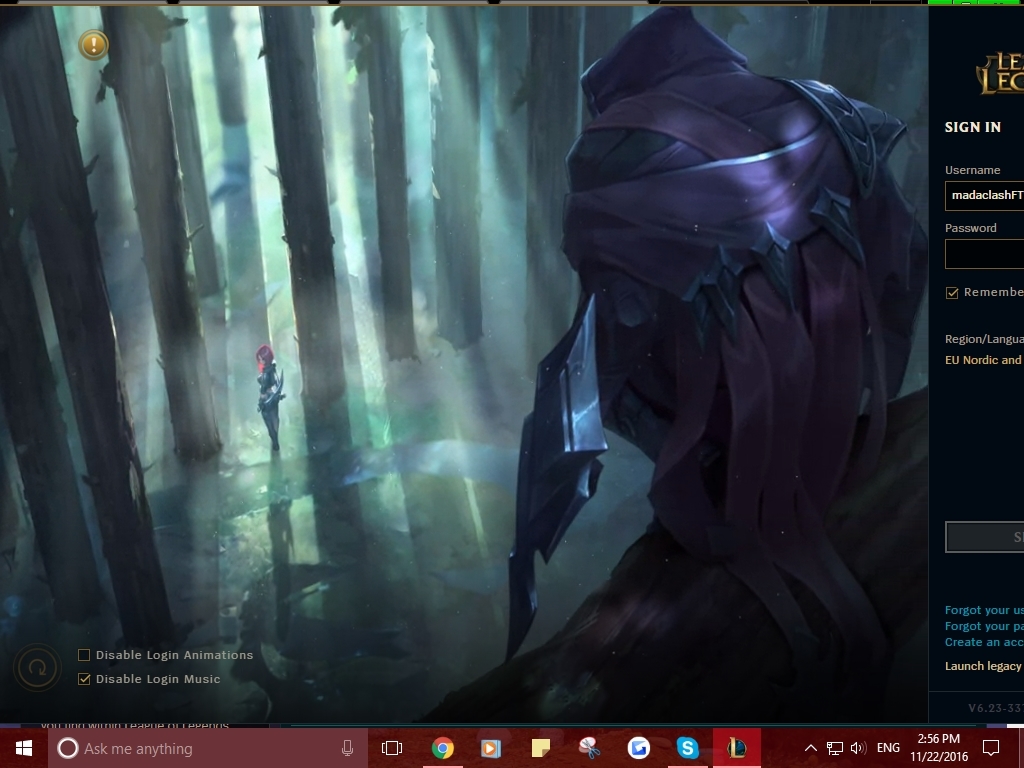
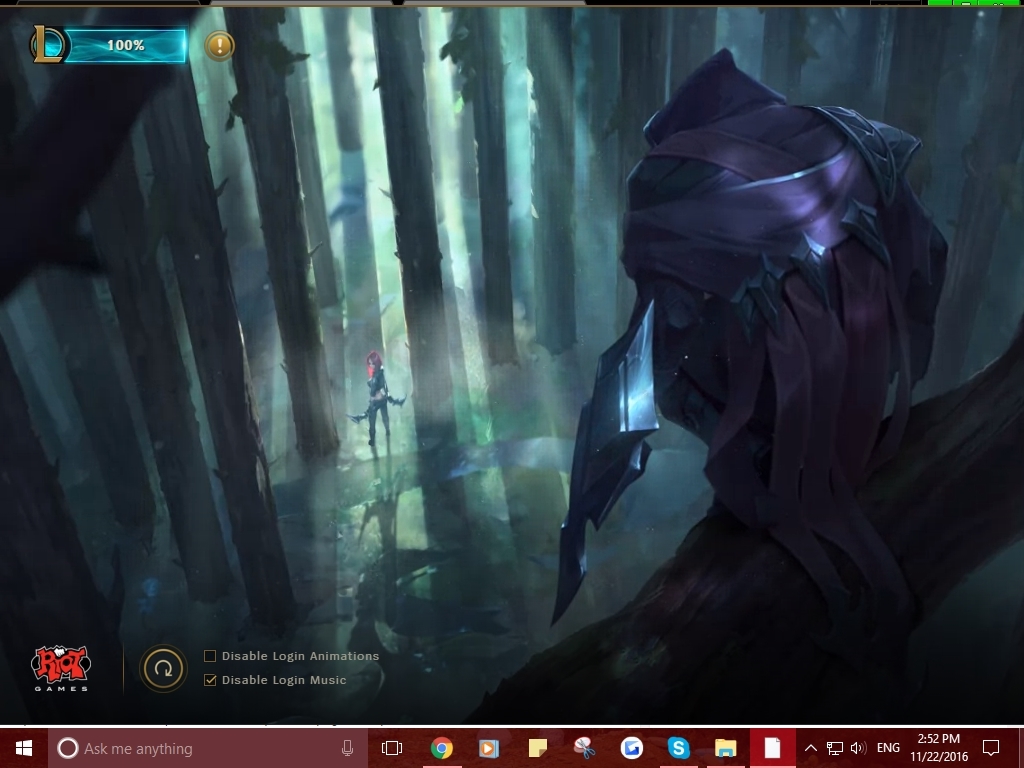
Everytime i launch the Alpha Client is too big, the resolution is broken and i can only see half of the login section(happens inside the client too with the friend list) and it looks like this : https://i.gyazo.com/27e7ec4aeba87ec07a9cbbbd05ba8d30.jpg If i try to move it in any way the right side(the login section; the friend list; the minimize,setting and the X button) just dissapears: https://i.gyazo.com/1d334650142a2877a1a19d29208bf80a.jpg Happened every single time on this new client . Can i fix the client resolution or something in any way?


7 Comments

Hupsis1 votes

You can change the window size in the settings.

URF Riven1 votes

What settings? I can't see the settings button in the client,and i tried to find any resolution settings in the LoL folder but i can only find the ingame resolution...

Hupsis1 votes

Well there should be a settings button on the top right corner of the client... but since it seems to disappear as you try to move the client, it's probably not an option :/

Hopefully Riot will fix that.

URF Riven1 votes

Glad you understood my problem exactly ! I hope that too :D

DoomKat1 votes

I am having the exact same problem! I can't get to the settings as I can't move the client or it will disappear and my mouse can't go past the screen :/ Riot pls fix

DoomKat1 votes

Just solved it!!!! had to change my screen resolution to 1280 x 960 but now I can move my client and see the settings button :D

URF Riven1 votes

I tried that too. I can see the settings button, but as you can see i still can't change the client resolution in any way. The width is too large and there is only one option for the resolution for the client... https://i.gyazo.com/ee63b53cffc4f7385c0967b954659a77.png

More from Report a Bug