How to Change the Mouse and Camera Interactions?

Preface: I have 500+ games on Dota 2, I just play league casually. Everything I ask how to do here is something I've already done in Dota 2, so it annoys me to no end that these things don't seem to be possible.
-
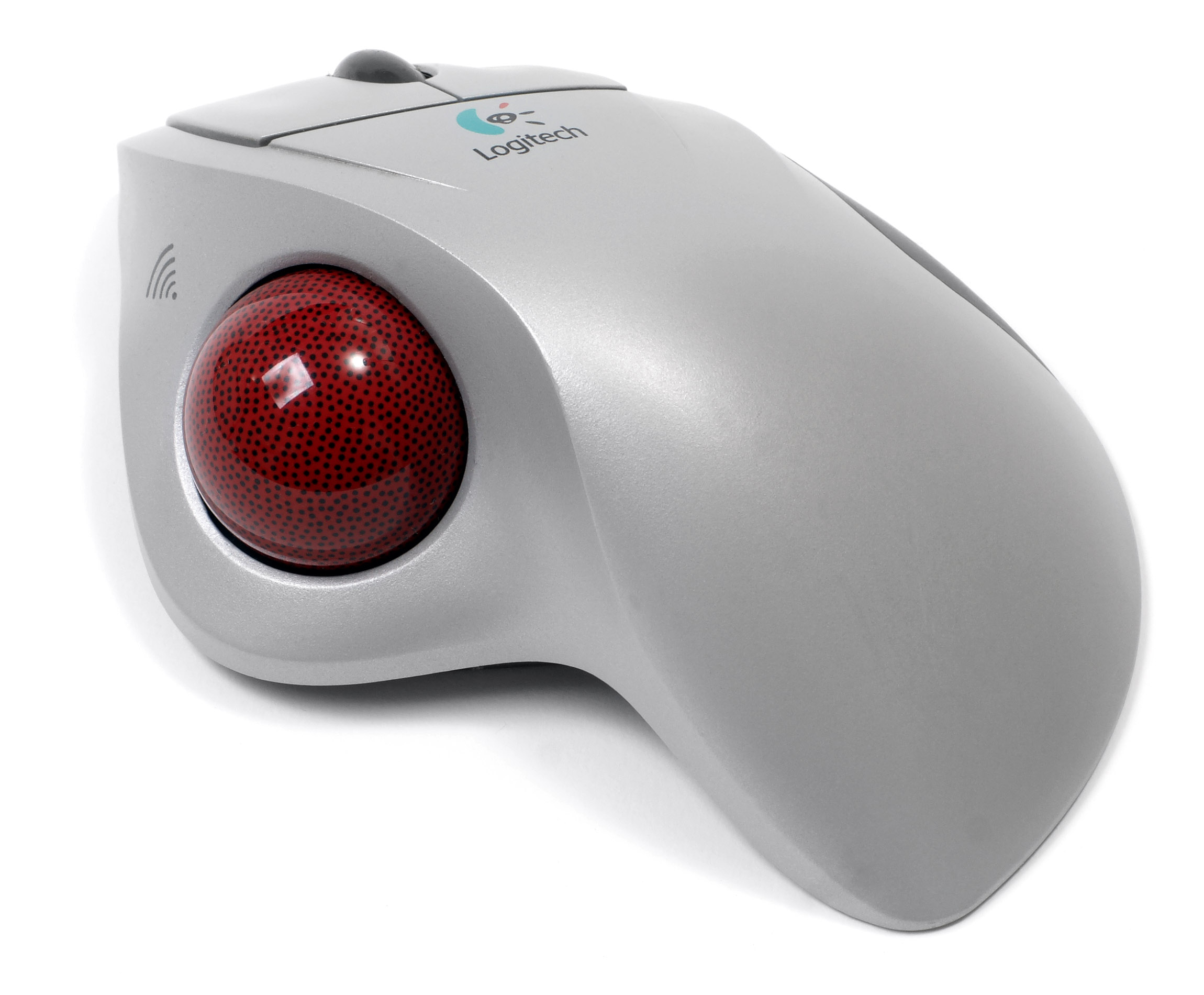
I use WASD to control the camera, so it's quite problematic when I'm whipping my trackball mouse around the screen and I'm suddenly miles away from the action. Hyperbole of course, but it's not helpful to be forced to look not where you want to look. Is there any way to disable moving the camera when the mouse is at the edge of the screen?
-
I play in windowed mode, and pre-match or while I'm dead in match I often want to interact with YouTube or various other things like twitch for a moment before heading back into game. In Dota 2, I can just exit back to menu (So I lose control of my hero, but I'm still in game) and then can move my mouse outside the window. In league, the only way I've found to do this is to open Force Quit (Mac's version of Ctrl+Alt+Del) and use it as a sort of gateway through league's window borders to carefully maneuver my mouse outside the window. That's unreliable and wastes time. In league, as I'm sure you know, I often don't have time to waste.
Anyone have any ideas/solutions/suggestions?